Day 8 – Exercise 1 Solution: Creating a Calculator with Python Operators
🚀 Passionate DevOps Engineer with expertise in cloud computing, CI/CD, and automation. Skilled in Linux, Docker, Kubernetes, Terraform, Ansible, and Jenkins. I specialize in building scalable, secure, and automated infrastructures, optimizing software delivery pipelines, and integrating DevSecOps practices. Always exploring new ways to enhance deployment workflows and bridge the gap between development and operations.
Welcome to Day 8 of 100 Days of Python!
In Day 7, I was given my first Python exercise:
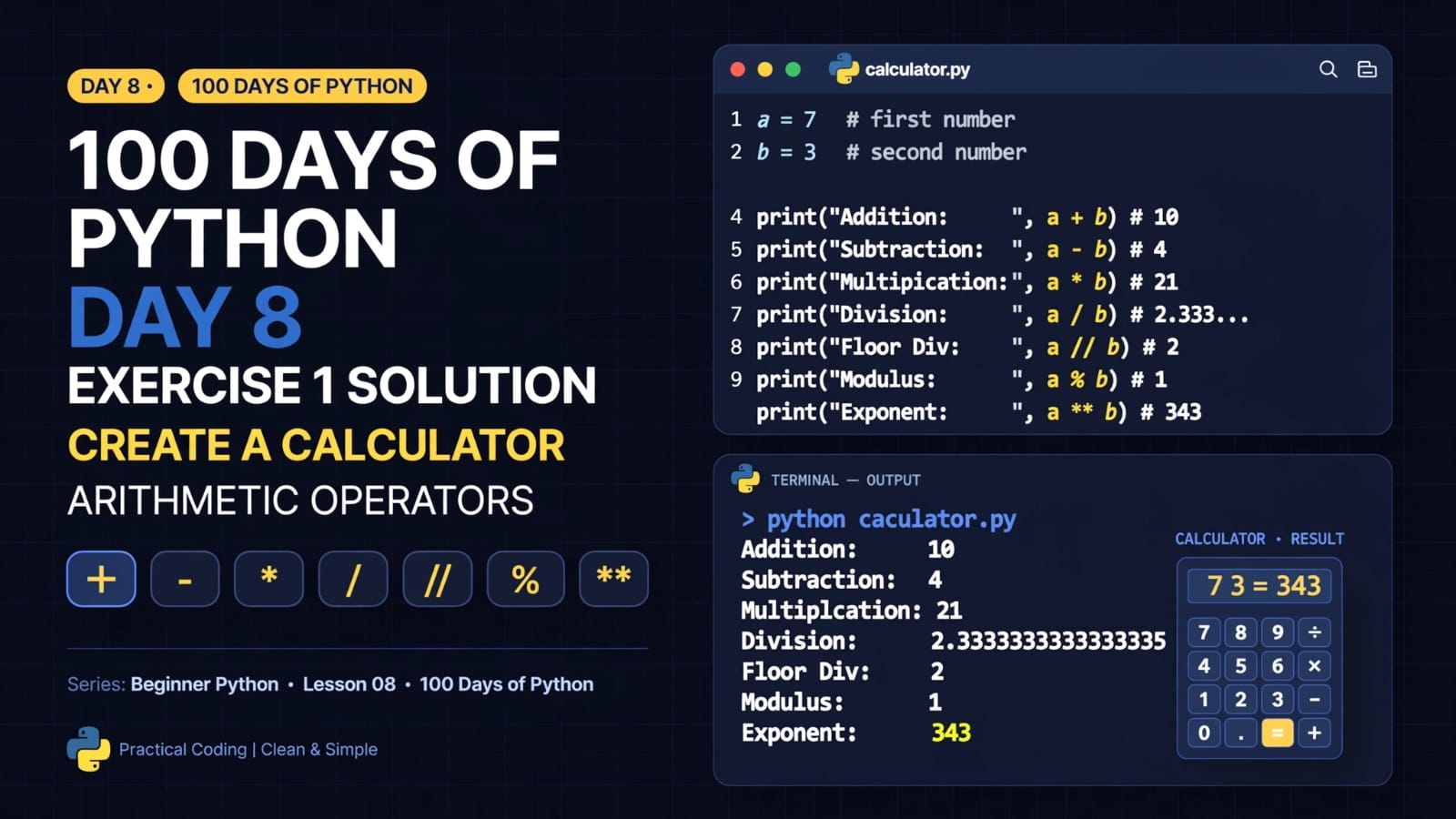
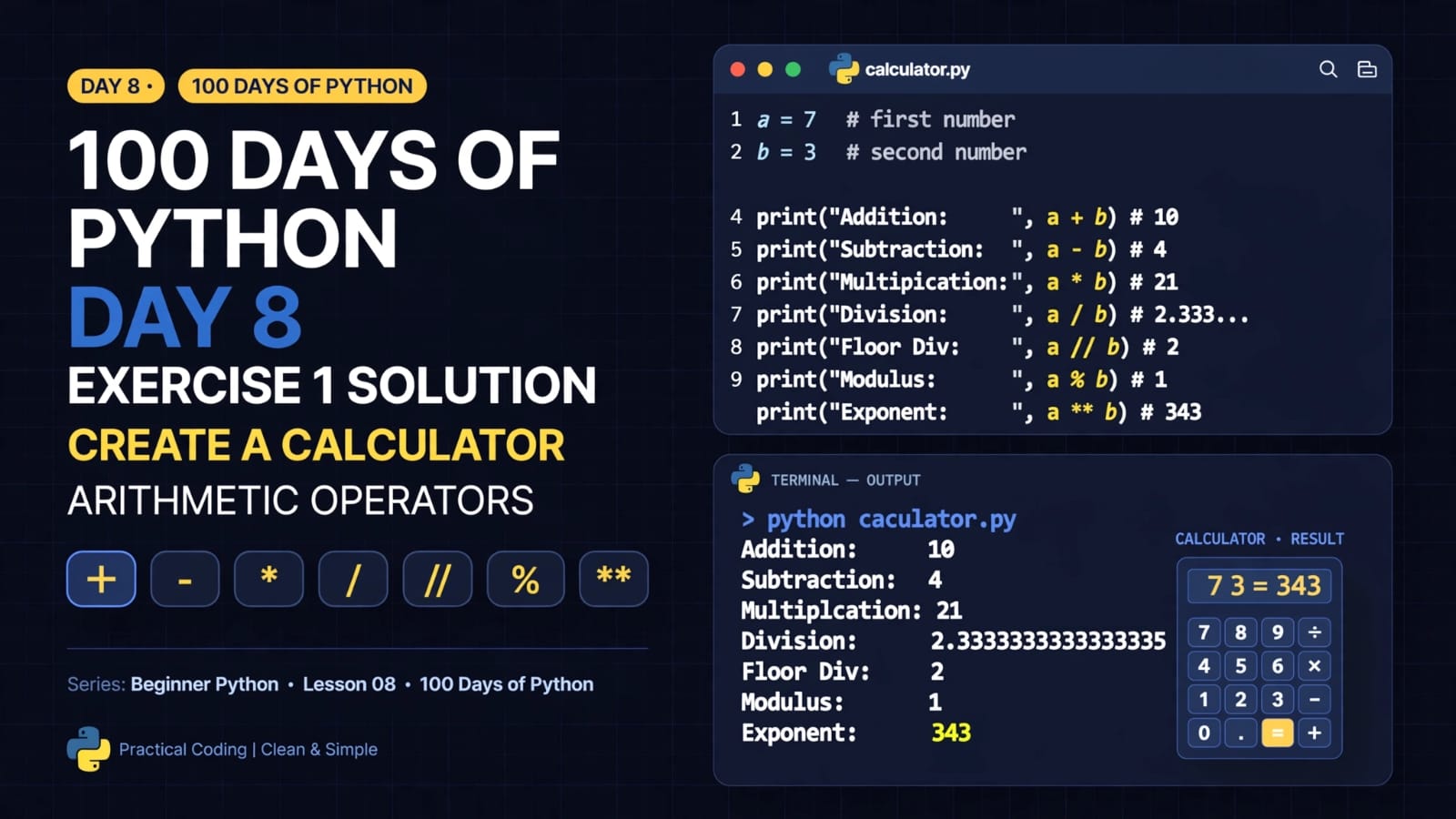
Create a calculator capable of performing addition, subtraction, multiplication, and division on two numbers and display the output in a readable format.
Today, we will look at the solution and understand how the program works.
The calculator uses variables, arithmetic operators, and the print() function.
1. The Calculator
Here is the solution:
a = 7
b = 3

print("Addition of", a, "and", b, "is:", a + b)
print("Subtraction of", a, "and", b, "is:", a - b)
print("Multiplication of", a, "and", b, "is:", a * b)
print("Division of", a, "and", b, "is:", a / b)

print("Floor Division of", a, "and", b, "is:", a // b)
print("Modulus of", a, "and", b, "is:", a % b)
print("Exponentiation of", a, "and", b, "is:", a ** b)
2. Understanding the Variables
First, we create two variables:
a = 7
b = 3
Here:
astores the value7bstores the value3
These two variables are used as the operands for our calculations.
3. Addition
print("Addition of", a, "and", b, "is:", a + b)
The + operator performs addition.
Since:
7 + 3 = 10
The output is:
Addition of 7 and 3 is: 10
4. Subtraction
print("Subtraction of", a, "and", b, "is:", a - b)
The - operator performs subtraction.
7 - 3 = 4
Output:
Subtraction of 7 and 3 is: 4
5. Multiplication
print("Multiplication of", a, "and", b, "is:", a * b)
The * operator performs multiplication.
7 × 3 = 21
Output:
Multiplication of 7 and 3 is: 21
In Python, multiplication is written using *.
6. Division
print("Division of", a, "and", b, "is:", a / b)
The / operator performs regular division.
7 / 3 = 2.3333333333333335
Output:
Division of 7 and 3 is: 2.3333333333333335
Python returns a floating-point value when using /.
7. Floor Division
Although floor division was not one of the four required operations in the original exercise, I also included it for additional practice.
print("Floor Division of", a, "and", b, "is:", a // b)
The // operator performs floor division.
7 // 3 = 2
Output:
Floor Division of 7 and 3 is: 2
8. Modulus
The % operator returns the remainder after division.
print("Modulus of", a, "and", b, "is:", a % b)
Since:
7 ÷ 3 = 2 remainder 1
We get:
7 % 3 = 1
Output:
Modulus of 7 and 3 is: 1
9. Exponentiation
The ** operator performs exponentiation.
print("Exponentiation of", a, "and", b, "is:", a ** b)
This means:
7 ** 3
= 7 × 7 × 7
= 343
Output:
Exponentiation of 7 and 3 is: 343
10. Complete Output
When the complete program is executed, the output will be:
Addition of 7 and 3 is: 10
Subtraction of 7 and 3 is: 4
Multiplication of 7 and 3 is: 21
Division of 7 and 3 is: 2.3333333333333335
Floor Division of 7 and 3 is: 2
Modulus of 7 and 3 is: 1
Exponentiation of 7 and 3 is: 343
11. What We Used
This small calculator combines several concepts learned in the previous days.
Variables
a = 7
b = 3
Variables store the values that we want to use.
Arithmetic Operators
+   Addition
-   Subtraction
*   Multiplication
/   Division
//  Floor Division
%   Modulus
**  Exponentiation
print()
The print() function displays the operation and its result in a readable format.
For example:
print("Addition of", a, "and", b, "is:", a + b)
This combines text, variables, and an arithmetic expression in one statement.
12. Exercise Completed
The original exercise required:
Addition
Subtraction
Multiplication
Division
Readable output
The solution successfully performs all four required operations.
I also added:
Floor Division
Modulus
Exponentiation
as additional practice with the arithmetic operators learned in Day 7.
13. Quick Revision
| Operation | Python Operator | Example | Result |
|---|---|---|---|
| Addition | + |
7 + 3 |
10 |
| Subtraction | - |
7 - 3 |
4 |
| Multiplication | * |
7 * 3 |
21 |
| Division | / |
7 / 3 |
2.333... |
| Floor Division | // |
7 // 3 |
2 |
| Modulus | % |
7 % 3 |
1 |
| Exponentiation | ** |
7 ** 3 |
343 |
14. Key Takeaways
After completing this exercise, I can now:
Store numbers in variables
Perform basic arithmetic operations
Use Python arithmetic operators
Combine variables and operators in expressions
Display calculation results using
print()Format output so that it is easier to read
Understand the difference between
/and//Understand how
%returns a remainderUse
**for exponentiation
This is a very small program, but it is an important first step toward building larger Python programs.
Day 7 gave me the problem. Day 8 gave me the solution.
The next step is to keep building on these fundamentals and gradually make the programs more interactive and useful.
📂 Day 8 Resources
All notes and code for this day are available in the GitHub repository: