Day 4 - Our First Python Program

🚀 Passionate DevOps Engineer with expertise in cloud computing, CI/CD, and automation. Skilled in Linux, Docker, Kubernetes, Terraform, Ansible, and Jenkins. I specialize in building scalable, secure, and automated infrastructures, optimizing software delivery pipelines, and integrating DevSecOps practices. Always exploring new ways to enhance deployment workflows and bridge the gap between development and operations.
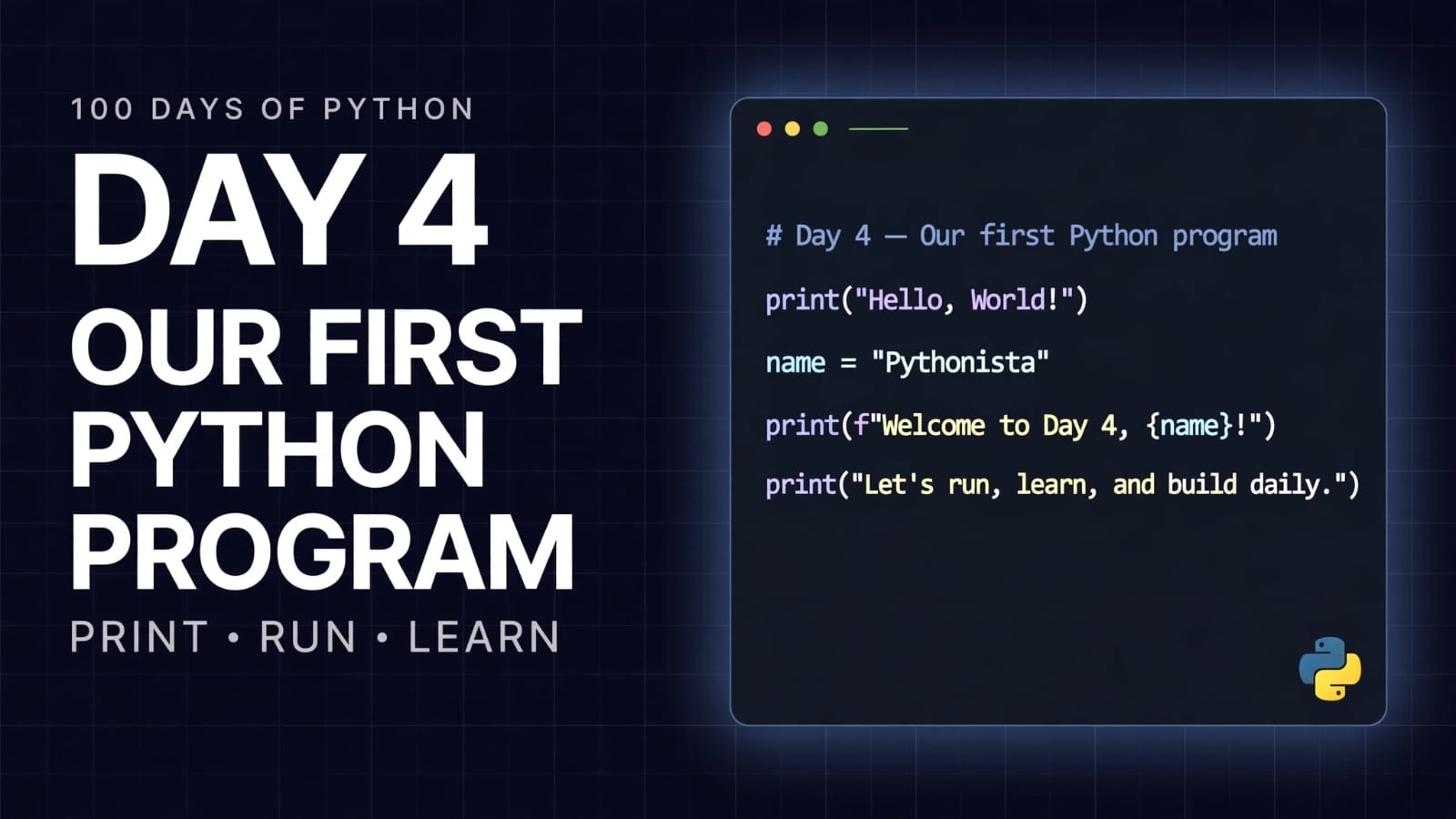
Welcome to Day 4 of 100 Days of Python!
So far, we have learned:
What programming is
What Python is
Where Python is used
What modules and packages are
How
pipis used to install Python packages
Today, we are finally going to write our first Python program from scratch.
It may look very simple—and it is.
But every Python developer has to start somewhere.
Today, that starting point is the print() function.
The print() Function
The print() function is used to display information on the console.
The simplest example is:
print("Hello World!")
Output:
Hello World!
Here:
printis a built-in Python function."Hello World!"is a string.The value inside the parentheses is passed to
print().Python displays the result on the console.
Printing Text
We can use print() to display text.
Text in Python is written inside quotes.
For example:
print("Hello World!")
print("Welcome to Python!")
print("I am learning Python.")
Output:
Hello World!
Welcome to Python!
I am learning Python.
Each print() statement normally displays its output on a new line.
Printing Numbers
We can also print numbers directly.
For example:
print(753)
Output:
753
Notice that we don't need quotation marks around a number.
Compare:
print(753)
with:
print("753")
Both display:
753
However, they represent different types of values.
753is a number."753"is text (a string).
We will learn more about data types later.
Printing Multiple Values
The print() function can accept multiple values separated by commas.
For example:
print("Hello World!", 753)
Output:
Hello World! 753
Python separates the values with a space by default.
We can also print several values:
print("Python", "is", "awesome")
Output:
Python is awesome
Printing Calculations
Python can also perform calculations inside print().
For example:
print(753 * 3510)
Python evaluates the multiplication first and then prints the result.
Output:
2643030
This is one of the reasons programming languages are useful: we can give the computer an expression, and it can perform the calculation for us.
Other examples:
print(10 + 5)
print(20 - 8)
print(6 * 7)
print(20 / 4)
Output:
15
12
42
5.0
We will learn operators and calculations in more detail later.
Our First Python Program
Let's combine everything we learned today.
print("Hello World!", 753)
print(753)
print("Bye")
print(753 * 3510)
Output:
Hello World! 753
753
Bye
2643030
This is a very small program, but it already demonstrates several important ideas:
Printing text
Printing numbers
Printing multiple values
Performing a calculation
Executing multiple statements in sequence
How Python Executes the Program
Python executes our program from top to bottom.
Consider:
print("First")
print("Second")
print("Third")
The output will be:
First
Second
Third
Python starts with the first statement, executes it, moves to the next statement, and continues until the program ends.
This sequential execution will become extremely important when we start learning conditions, loops, functions, and more advanced concepts.
A Small Challenge
Now it is your turn!
Write a Python program that prints a short poem.
For example, the structure could be:
print("Your poem goes here")
print("Another line of your poem")
print("Another line of your poem")
You can choose any poem you like.
The purpose of this exercise is not to write complicated code.
The purpose is to practice writing and executing Python code yourself.
Challenge: Create Your Own Output
Try creating a small program that prints:
Your name
A programming-related message
A number
A calculation
For example:
print("My name is Sritesh.")
print("I am learning Python.")
print(100)
print(25 * 4)
Try changing the values and see what happens.
Common Mistakes
1. Forgetting Quotes Around Text
Incorrect:
print(Hello World!)
Correct:
print("Hello World!")
Text should generally be enclosed in quotation marks.
2. Missing Parentheses
Incorrect:
print "Hello World!"
Correct:
print("Hello World!")
Python 3 uses parentheses with the print() function.
3. Incorrect String Quotes
Incorrect:
print("Hello World!)
The opening and closing quotes must match.
Correct:
print("Hello World!")
4. Writing a Calculation as Text
Compare:
print(10 + 5)
Output:
15
with:
print("10 + 5")
Output:
10 + 5
The first performs a calculation.
The second simply prints the characters as text.
Quick Revision
What is print()?
print() is a built-in Python function used to display information on the console.
Print text
print("Hello World!")
Print a number
print(753)
Print multiple values
print("Hello", 753)
Print a calculation
print(753 * 3510)
Python execution order
Python normally executes statements from top to bottom.
Day 4 Takeaways
Today we learned:
How to write a basic Python program.
How to use the
print()function.How to print text.
How to print numbers.
How to print multiple values.
How to perform calculations inside
print().How Python executes statements sequentially.
How to create a simple Python program independently.
Final Thought
Our first program is intentionally simple.
That's okay.
Every large Python application—from automation scripts to Machine Learning systems—is ultimately built from smaller programming concepts.
Today we wrote a few print() statements.
Soon, we will learn how to make our programs store information, make decisions, repeat tasks, accept input, work with data, and solve real problems.
For now:
We have officially written our first Python program.
Day 4 complete. 🚀
📂 Day 4 Resources
All notes and code for this day are available in the GitHub repository:
https://github.com/SriteshSuranjan/100-Days-of-Python/tree/main/04-Day04-Our-First-Program